
A Google Ads audit checklist should test whether the account measures the right outcome, reaches the right searches, and gives bidding enough clean data to make good decisions. These 50 checks cover the full path from conversion tracking to change history. Use them to find the constraint, then prioritize fixes by financial impact.
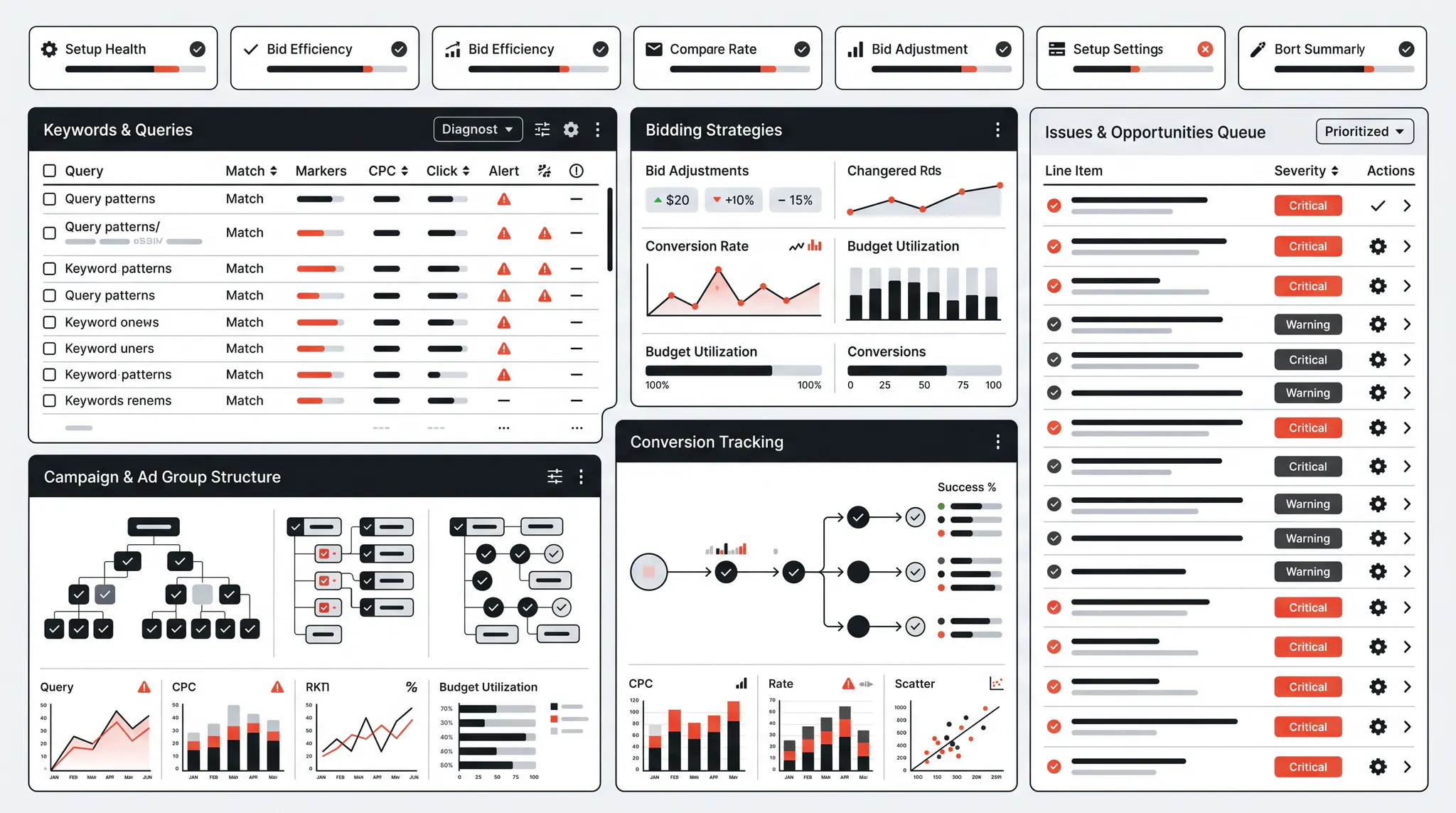
How to use this Google Ads audit checklist
Start with measurement, move through traffic and bidding, and finish with account controls. A setting matters when it changes qualified pipeline, revenue, or the account’s ability to learn. I built this list after auditing more than $20 million in Google Ads spend in under three months. Pattern recognition matters more than the number of boxes checked.
For a faster diagnosis before working through all 50 items, use the 3×3 Google Ads optimization matrix. It separates visibility, engagement, and conversion problems so the checklist starts in the right area.
Google Ads audit checklist: conversion tracking
Conversion tracking comes first because automated decisions depend on it. If Google counts duplicate forms or weak calls as success, better bidding can produce more of the wrong conversion.
- Conversion counting: Confirm lead actions use “One” when repeat submissions should not count as separate acquisitions.
- Primary versus secondary actions: Verify that only outcomes meant to steer bidding are primary. Keep diagnostic events secondary.
- Optimization event: Identify exactly what the algorithm pursues, such as a form fill, qualified lead, showed-up call, SQL, or customer.
- Enhanced conversions: Check that first-party conversion data is configured, processing, and reconciled with the underlying event.
- Offline conversion import lag: Measure how long it takes CRM outcomes to return to Google Ads and whether delayed uploads miss the useful optimization window.
Google defines primary conversion actions as events used for bidding when their goal is selected, while secondary actions normally remain observational. Review Google’s primary and secondary conversion guidance, then compare the setup with the CRM. Our Google Ads conversion action framework explains how to choose the deepest event with enough monthly volume.
Campaign and ad group structure
Structure should separate traffic with different economics while preserving conversion density. Too little separation hides performance. Too much creates thin campaigns.
- Budget split across campaigns: Compare spend allocation with qualified conversion volume and business priority.
- Shared budgets: Check whether one campaign consumes budget that another could use more profitably.
- Brand versus non-brand split: Separate existing demand from category acquisition so blended CPA does not hide weak non-brand economics.
- Competitor campaigns: Confirm competitor traffic has its own budget, copy, negatives, and landing-page logic where volume supports it.
- Ad group keyword count: Review whether each group represents one coherent intent rather than a pile of loosely related queries.
Split when traffic needs different bids, budgets, ads, pages, or success criteria. Do not fragment one useful conversion signal across thin campaigns.
Keywords, match types, and search terms
Keywords define the intended market, but search terms show the traffic Google bought. Audit both. Relevant keywords can still match job seekers, support queries, or the wrong product.
- Search terms, last 30 days: Classify material queries by buyer fit, product fit, and downstream result.
- Negative coverage: Check for recurring exclusions such as free, jobs, login, careers, support, and irrelevant verticals.
- Shared negative lists: Confirm the lists are current, applied to the right campaigns, and not blocking valid demand.
- Match type performance: Compare exact, phrase, and broad match using qualified conversion cost, not platform conversions alone.
- Keyword-to-ad relevance: Make sure the ad continues the searcher’s intent and sends the click to the matching page.
Use Google’s search terms report as the evidence source. Do not add a negative after one expensive click unless the intent is clearly wrong. Our negative keyword workflow covers large query sets with human approval.
Bidding, budgets, and impression share
Bidding checks show whether money, rank, or an unrealistic target limits the account. Search Lost IS (Budget) estimates impressions missed because of budget. Search Lost IS (Rank) reflects Ad Rank losses.
- Bid strategy versus actual CPA: Compare the selected strategy and target with recent qualified performance.
- Search Lost IS (Budget): Flag profitable campaigns losing meaningful auction coverage because budget runs out.
- Search Lost IS (Rank): Review the 90-day trend before assuming budget is the constraint.
- Impression share on top converters: Check whether the best proven themes have room to grow.
- Brand impression share: Review whether the account is meeting its chosen brand-coverage target, not a universal target.
Google explains how impression share and lost impression share separate budget and rank constraints. Do not raise budget when an aggressive tCPA target restricts delivery, or loosen the target when the conversion signal is weak.
Ads, assets, and message match
Judge ads on qualified demand, not asset completeness. We found essentially no relationship between Ad Strength and CPA across 3,900 ads in 65 accounts.
- RSA Ad Strength versus CPA: Compare the rating with qualified conversion cost rather than optimizing the score in isolation.
- Keyword-to-copy relevance: Confirm the main intent appears naturally in the headline and description set.
- Sitelink click-through rate and URLs: Find broken links, stale offers, and sitelinks that attract low-value clicks.
- Callouts and structured snippets: Use the Google Ads assets checklist to check accuracy, duplication, and whether assets clarify real buying criteria.
- Asset rotation: Replace stale messages only when evidence shows fatigue or a stronger angle is ready to test.
If a headline wins clicks from people who cannot buy, it is not a winning ad.
Audiences, geography, device, and schedule
Segment reviews expose differences hidden inside account averages, including a costly device, city, hour, or audience expansion.
- Device CPA by campaign: Compare qualified outcomes across desktop, mobile, and tablet before applying any adjustment.
- Geographic CPA by city and state: Find markets with different demand, sales coverage, or close rates.
- Day and hour performance: Compare conversion timing with sales availability and conversion delay.
- Audience segments in observation mode: Use observation data to learn without restricting reach prematurely.
- Audience exclusions: Confirm prospecting excludes groups that should not consume acquisition budget, including existing customers when appropriate.
Check volume, conversion lag, and downstream quality before cutting a segment. Geography may need a dedicated page, not just a bid adjustment.
PMax, Display, and YouTube controls
Cross-channel campaigns need inventory review because blended CPA hides where conversions originate. PMax, Display, and YouTube reach people in different contexts.
- PMax channel split: Identify how much delivery comes from Search, YouTube, Display, Discover, Gmail, Maps, or Shopping.
- PMax asset group performance: Check whether groups reflect distinct products, margins, audiences, or offers.
- Final URL expansion: Exclude careers, legal, support, and other non-commercial destinations.
- Display placement report: Remove clear junk while preserving enough evidence for real placement decisions.
- Frequency caps on Display and YouTube: Check whether repeated exposure has become waste rather than reinforcement.
Use the Performance Max audit checklist for a deeper review. PMax becomes risky when broad inventory learns from shallow conversions and nobody checks where spend moved.
Landing pages and conversion paths
Qualified traffic can still fail after the click. Audit each ad group’s page, firing event, and mobile path.
- Landing-page URL by ad group: Confirm every destination matches the query, ad promise, product, and geography.
- Mobile form experience: Complete the form yourself and check field friction, errors, confirmation behavior, and speed.
- Call tracking: Verify tracked calls preserve the GCLID and distinguish new, qualified callers from raw calls.
- Broken or redirected destinations: Find stale URLs, redirect chains, and pages that changed without the ads changing.
- Conversion-window length: Match the window to the real research and sales cycle instead of leaving an unexamined default.
When the page is the constraint, changing bids buys more traffic for the same broken path. Our landing page testing case study shows a test cadence that took visit-to-lead conversion from 2 percent to 8 percent.
Attribution, lists, and account controls
These checks protect attribution, first-party data, and account control.
- Attribution model: Confirm the selected model matches how the team reads and acts on conversion credit.
- Remarketing list durations: Align membership windows with the buying cycle and privacy requirements.
- Customer Match freshness: Check list size, update date, match health, and whether the seed represents customers rather than all leads.
- Auto-applied recommendations: Record enabled categories and disable any strategic change that should require review.
- Active experiments: Confirm each experiment has one clear hypothesis, valid split, sufficient time, and a decision owner.
Google documents how to review and disable auto-applied recommendations. Treat every recommendation as a testable idea, not an instruction.
Change history and operating cadence
Change history connects performance movement to the person, automation, or setting that changed the account. It also reveals neglect and excessive editing.
- Change history, 7 versus 30 days: Compare recent changes with the start of any performance shift.
- Last manual optimization date: Identify campaigns that have run without search-term, bid, asset, or budget review.
- 90-day CPA trend: Separate a one-week fluctuation from a sustained movement.
- Active recommendation history: Check whether Google or a third-party system applied changes outside the normal workflow.
- Decision log: Require the owner, hypothesis, expected effect, and review date for every material change.
Without a decision log, teams repeat failed tests or reverse changes before conversion delay clears.
How to prioritize Google Ads audit findings
Fix the issue highest in the causal chain. Measurement comes before bidding, wrong traffic before ad polish, and a broken page before budget expansion.
Use this order:
- Repair missing, duplicated, or weak conversion signals.
- Stop clearly wrong traffic and broken destinations.
- Correct campaign goals, network expansion, and account controls.
- Resolve material budget, target, and impression-share constraints.
- Improve structure, ads, assets, and landing pages through controlled tests.
- Document the decision and wait through the relevant conversion cycle.
Do not change all six layers at once. Overlapping changes hide both wins and failures.
The takeaway
A 50-point Google Ads audit checklist gives you coverage, but the deliverable is a ranked diagnosis. Verify measurement first, then traffic, bidding, creative, pages, and controls. Explain what is wrong, why it matters, and which change should happen next.
If you are comparing external partners to run these controls, use the Google Ads agency selection standards to evaluate outcome ownership, operating cadence, tracking depth, account access, and fees.
TNT Growth runs senior-led paid media and down-funnel tracking for brands spending $75k+/mo. Review our Google Ads and tracking services, see results tied to revenue, or book a free 30-minute ad audit.
Frequently asked questions
What should a Google Ads audit checklist include?
A Google Ads audit checklist should cover conversion tracking, campaign structure, search terms, negative keywords, bidding, budgets, audiences, ads, landing pages, PMax settings, extensions, attribution, and change history. The checklist should end with a prioritized action plan, not an unranked list of settings.
How often should you audit a Google Ads account?
Run a full audit at least quarterly, at every account handoff, before a large budget increase, and after unexplained changes in qualified CPA. High-spend accounts also need weekly checks for search terms, pacing, conversion health, and recent changes.
How long does a Google Ads audit take?
A focused audit can take a few hours for a small account and several days for a complex account with many campaigns, markets, and conversion paths. Time depends less on spend than on account structure, tracking quality, sales-cycle length, and access to CRM outcomes.
What should you fix first after a Google Ads audit?
Fix measurement and conversion signals first, then wrong traffic, then bidding and budget constraints. Creative and structural changes come later unless they are the clear cause. This order prevents the account from optimizing faster toward an outcome the business does not value.
Should you apply every Google Ads recommendation after an audit?
No. Treat recommendations as hypotheses. Compare each one with the campaign goal, qualified conversion data, and account constraints. Review auto-apply settings and change history so strategic changes do not enter the account without an operator checking the evidence.