
Performance Max reporting helps you see which Google channels served ads, how that channel mix changed over time, and whether an eligibility issue limited delivery. Use the channel performance report to investigate a campaign change, not to force budget toward whichever channel shows the lowest short-term CPA. The campaign-level business result still comes first.
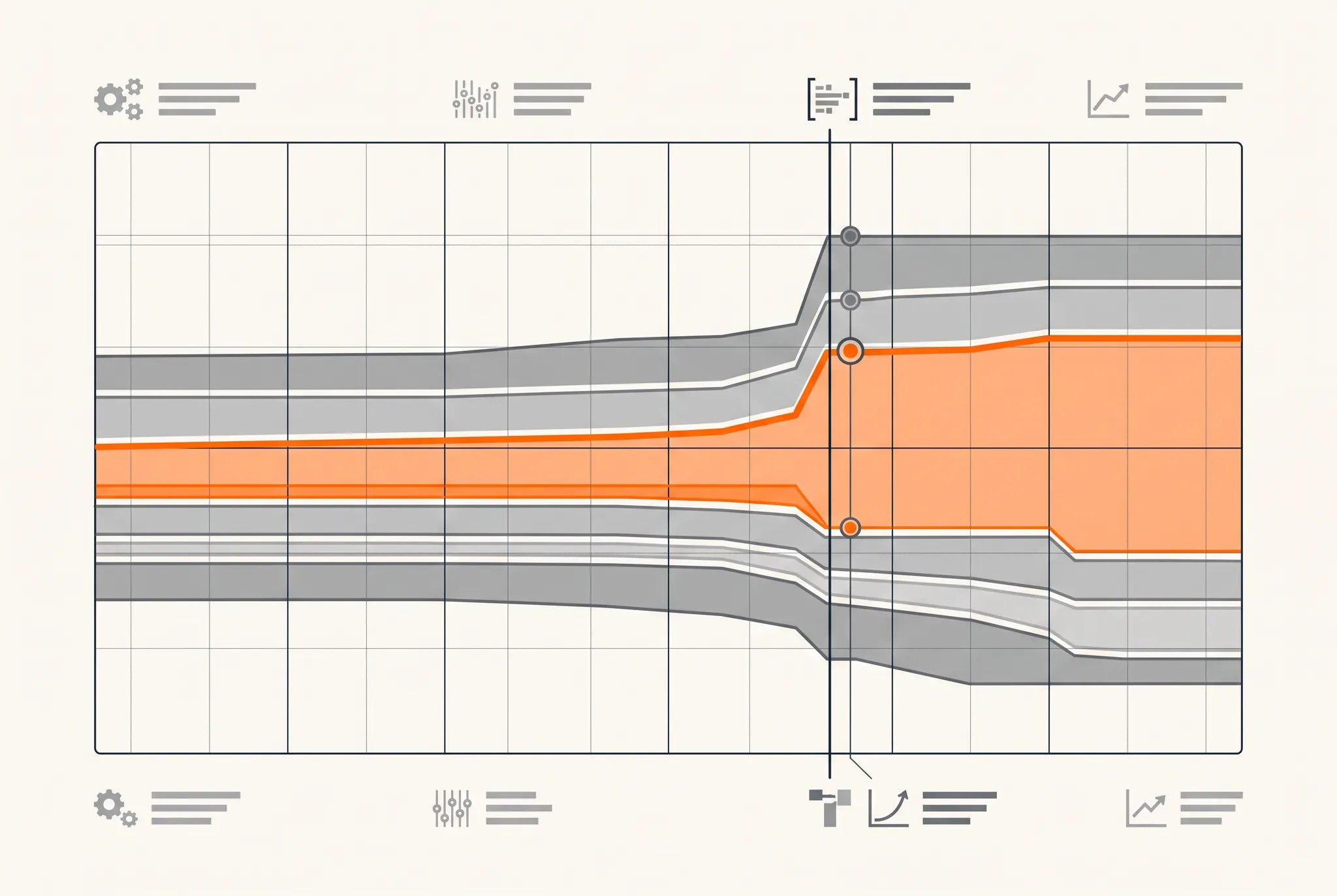
What Performance Max reporting shows
Performance Max can serve across Google’s available inventory, including Search, YouTube, Display, Discover, Gmail, Maps, Shopping, and Search partners where eligible. The channel performance report gives advertisers a clearer view of how that delivery changes inside one PMax campaign.
Google describes three main areas in the report:
| Report area | What it shows | Best use |
|---|---|---|
| Performance summary | Campaign-level results and contribution overview | Keep channel findings tied to the total goal |
| Time-series chart | Changes in channel metrics across the selected dates | Find when delivery or performance shifted |
| Channel distribution table | Channel metrics, formats, and status diagnostics | Investigate eligibility, assets, and contribution |
The report can show metrics such as impressions, clicks, cost, conversions, and conversion value. It can also drill into selected channels and certain formats, including video and product-feed ads.
Google says channel performance reporting is available across Performance Max campaigns. That makes the report a standard part of a PMax review rather than an optional beta view.
How to use the Performance Max channel report
The useful operating sequence is simple: start with the overall campaign result, identify the date of the shift, inspect the channel and format involved, check the status diagnostics, then connect the change to an action in the account.
1. Start with the campaign-level outcome
Before opening the channel view, define the business result that matters. For a lead-generation account, that may be qualified leads, attended calls, opportunities, or customers. For ecommerce, it may be new-customer revenue or profit.
A channel can show a low platform CPA while producing poor downstream quality. Another can look expensive in a short window because its conversion delay is longer. Keep the primary outcome visible while reading the channel data.
This is the same reason our Performance Max audit checklist starts with the conversion goal. Reporting can show where the campaign served, but only the CRM or transaction system can confirm whether the result became useful revenue.
2. Use the timeline to locate the change date
The time-series view is the report’s most practical diagnostic. Instead of comparing one blended period with another, find the day the channel contribution or campaign result changed.
Then check whether that date lines up with:
- A new video or image asset
- A feed or product-eligibility change
- A different conversion goal
- A bid-target adjustment
- A budget increase or decrease
- A landing-page or Final URL expansion change
- A new brand exclusion or negative keyword
- A location or audience-signal update
Google’s channel performance report documentation specifically recommends using the time-series chart to identify shifts after changes to assets, campaign goals, or bid strategy targets.
3. Read the status column before changing strategy
A channel with little or no delivery can have an eligibility problem. The status column surfaces diagnostics such as missing required assets or missing network-specific assets.
For example, an asset group may lack the image format, video, business information, or feed data needed to serve on a specific inventory type. Fixing that gap gives PMax the option to enter those auctions. It does not guarantee that the campaign should or will spend there.
If the status column shows no issue, Google says the campaign may simply be prioritizing other channels that it predicts will produce a better return for the current goal, target, and budget. No delivery is not automatically a setup failure.
4. Drill into the channel and format
Once you identify the shift, select the channel and compare the metrics that explain it. Impressions can show reach. Clicks and cost show traffic acquisition. Conversions and value show the platform outcome. Format segmentation can show whether video, product-feed, or another ad type contributed to the change.
Use those metrics to form a question, not a conclusion.
| Observation | Useful question | Bad conclusion |
|---|---|---|
| YouTube impressions rose | Did a new asset unlock delivery, and did qualified outcomes follow? | YouTube is wasting money |
| Search cost increased | Did query intent, competition, or the conversion goal change? | PMax should stop using Search |
| Display conversions rose | Do CRM quality and new-customer rate match the platform? | Display is now the best channel |
| Shopping delivery fell | Is there a feed, product overlap, or eligibility diagnostic? | PMax no longer works for products |
| Channel has no delivery | Is the status clean and the asset group eligible? | The campaign is broken |
The report narrows the investigation. Search terms, placement reports, asset combinations, feed diagnostics, and CRM outcomes provide the evidence needed to finish it.
Two high-value uses for Performance Max reporting
The original operator note highlighted two uses that remain valuable: catching channel drift and diagnosing CPA spikes.
Catch channel drift before it becomes a quality problem
Channel drift is a material change in where PMax serves. The shift can be healthy. A new video may unlock YouTube inventory. A feed update may expand Shopping. A stronger conversion signal may help the campaign find qualified demand outside Search.
It can also expose a problem. New delivery may bring weak placements, irrelevant searches, existing customers, or low-quality leads. The timeline shows when the mix changed. The downstream data tells you whether the change helped.
If the campaign appears to act mostly like another Search campaign, compare its allocation with our 53-account Performance Max channels benchmark, then use our guide to running Performance Max and Search together. The scaling guide explains how to inspect converting query demand, move repeatable themes into Search, and watch where PMax reallocates next.
Diagnose a CPA spike with a date and a cause
A blended CPA spike can come from several sources: channel mix, conversion delay, a goal change, budget, bids, tracking, assets, landing pages, market demand, or competition.
Use this sequence:
- Find the date CPA began moving.
- Check whether cost, conversions, or both changed.
- Compare channel contribution before and after that date.
- Review the status column for eligibility changes.
- Check the account change history.
- Inspect search terms, placements, assets, and feeds for the affected channel.
- Reconcile conversions with CRM quality and revenue.
- Wait through conversion delay before judging a recent period.
Google’s guidance on troubleshooting PMax fluctuations lists recent settings, conversion tracking, conversion delay, bids, targeting, and other account issues as common causes. The channel report helps isolate where the change appeared, but the fix depends on the underlying cause.
Why the lowest channel CPA should not get the whole budget
Performance Max uses cross-channel bidding. Google describes marginal ROI as the additional return expected from the next unit of spend in a specific auction. That is different from the average historical ROI shown for a channel.
A channel with the strongest average CPA may have no more efficient auctions available. Another channel with a weaker average may contain the next highest-return opportunity. That is why Google’s PMax evaluation guidance warns that short-term channel averages do not tell the full allocation story.
Use channel data to improve eligibility, assets, feeds, traffic quality, and measurement. Do not assume you can reproduce the campaign by taking the lowest-CPA channel and forcing all spend there.
If the business needs strict channel budgets, placements, or message control, use campaign types built for that control. PMax should not be used when its cross-channel operating model conflicts with legal, creative, or budget requirements.
Common Performance Max reporting mistakes
Reading platform conversions without conversion quality
A form fill, call, purchase, and qualified customer are not interchangeable. PMax will optimize toward the actions included in the selected goal. If those actions are shallow or duplicated, the channel report will describe the distribution of a bad objective accurately.
Our PMax spam lead diagnostic shows this directly. The campaign generated bookings because bookings were the goal. Moving toward attended calls gave the system a stronger definition of success.
Comparing channels before conversion lag matures
Some channels create demand that converts later or through another touchpoint. Use a date range long enough for the campaign’s normal conversion delay. Compare cohorts at the same age rather than treating yesterday and last month as equally complete.
Treating channel contribution as incrementality
The report shows where Google attributed delivery and conversions. It does not prove the channel created a customer who would not have converted otherwise. Use holdouts, lift tests, total business outcomes, and new-customer reporting when incrementality matters.
Fixing an allocation change with five account changes
If the channel mix shifted after a goal update, do not also change the budget, target, assets, and landing page. Change one connected group of inputs, document the date, and watch the report through the relevant conversion cycle.
Ignoring missing-asset diagnostics
A channel may be absent because the asset group cannot serve there. Check status before deciding PMax rejected the channel. Fix the eligibility gap, then let the campaign decide whether the inventory fits the goal.
Performance Max reporting checklist
Use this checklist during a weekly review or after a material campaign change:
- Confirm the campaign uses the correct primary conversion goal.
- Review total qualified CPA, revenue, or another downstream outcome.
- Open the channel performance timeline and locate material shifts.
- Check the status column for eligibility or asset issues.
- Drill into the affected channel and relevant ad format.
- Match the shift date to change history.
- Review search terms, placements, assets, and feed diagnostics.
- Account for conversion delay.
- Reconcile platform conversions with CRM quality and new customers.
- Make one evidence-based change and document the date.
The takeaway
Performance Max reporting gives operators a clearer answer to three questions: where did the campaign serve, when did the mix change, and is a diagnostic limiting a channel? That is enough to make account reviews faster and more specific.
It is not a manual budget allocator or an incrementality test. Start with the campaign-level business goal, use the timeline to locate changes, check status and eligibility, then finish the diagnosis with search terms, placements, assets, feeds, and downstream customer data.
TNT Growth manages Performance Max, Search, conversion tracking, and landing-page testing for brands spending $75K+/mo. Review our Google Ads and tracking services, see paid-media results tied to business outcomes, or book a 30-minute ad audit to diagnose what changed in your PMax campaign.
Frequently asked questions
What does Performance Max reporting show?
Performance Max reporting shows campaign-level results plus channel distribution across eligible Google inventory. The channel performance report includes a summary, a time-series view, and a distribution table with metrics and diagnostics. Use it to identify where ads served, when the mix changed, and whether missing assets or other issues limited a channel.
Can you see Performance Max results by channel?
Yes. Google's channel performance report shows metrics such as impressions, clicks, cost, conversions, and conversion value across channels. It can also segment certain ad formats. Channel results should be read alongside the total campaign result, conversion lag, search terms, placements, and CRM quality.
Should I move budget to the PMax channel with the lowest CPA?
Not automatically. Performance Max allocates budget across auctions based on predicted marginal return. A channel with a weaker historical average can still contain the next best auction. Use channel reporting to diagnose eligibility, shifts, assets, traffic quality, and conversion lag rather than trying to recreate separate channel budgets inside PMax.
Why is Performance Max not serving on a channel?
Check the channel report's status column first. Missing required assets or network-specific assets can limit delivery. If the report shows no issue, Google says PMax may simply be prioritizing other inventory expected to produce a better return for the campaign's goal and budget at that time.
How often should I review Performance Max channel reporting?
Review it after meaningful changes to conversion goals, bid targets, budgets, assets, feeds, or landing pages, and during a regular weekly account review. Use a date range long enough to account for conversion delay. Daily reactions to short-term channel movement can interrupt useful learning.