
Performance Max audience signals help Google start with better clues about who may convert. Add closed customers, qualified converters, and search-term based custom segments at the asset-group level. Do not treat them as hard targeting. Google can expand beyond the signals, so conversion quality, creative, landing pages, bidding, and CRM feedback still decide whether the campaign improves.
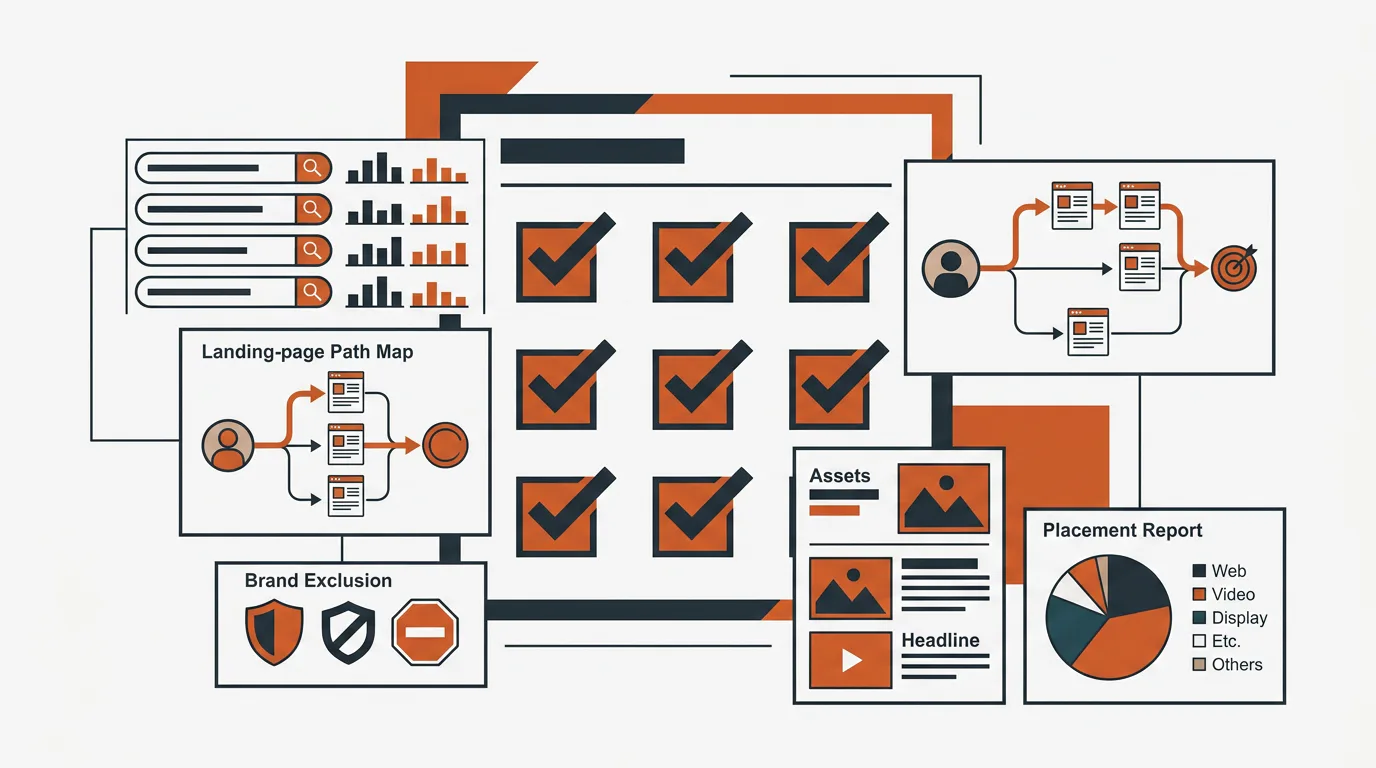
What Performance Max audience signals actually do
Performance Max audience signals are optional inputs that help Google understand which users may be useful starting points. Google says they guide machine-learning models toward the campaign goal. The campaign can still serve outside those audiences when the system predicts another user is likely to convert.
That distinction matters. A Search keyword can control eligibility around a query. A PMax audience signal does not limit delivery to the people on the list. It supplies context alongside the campaign’s conversion goals, bidding target, creative assets, landing pages, feeds, and account history.
Google’s audience signals documentation lists four main input families:
| Signal input | What it tells Google | Best use | Main risk |
|---|---|---|---|
| Your data | Who already visited, converted, or became a customer | Start from first-party evidence | Weak lists include tire-kickers and bad leads |
| Custom segments | Keywords, URLs, or apps related to the buyer | Add intent and category context | Generic terms produce generic hints |
| Demographics | Long-term attributes relevant to the offer | Add useful eligibility context | Narrow guesses exclude nuance without restricting reach |
| Additional segments | In-market, affinity, life events, and other Google audiences | Add broader behavior or purchase context | Too many broad segments dilute the starting point |
The signal should describe the outcome the campaign is supposed to find. If the goal is new qualified pipeline, a closed-customer list is usually more useful than a list of everyone who visited the homepage.
How to add audience signals to Performance Max
To add audience signals, open the relevant Performance Max asset group, find the Audiences section, create or select an audience, add first-party data and custom segments, then save it. Google applies these signals at the asset-group level, so the audience and creative should describe the same buyer problem.
The setup sequence is:
- Open the Performance Max campaign.
- Select the asset group you want to guide.
- Open the Audiences section.
- Choose an existing audience or create a new one.
- Add your data, such as customer lists or site visitors.
- Add custom segments based on relevant search terms, URLs, or apps.
- Add demographics or other segments only when they add real context.
- Name the audience clearly and save it.
Google’s audience-signal setup guide says new or updated lists may take 24 to 72 hours to populate and that models can take up to two weeks to integrate new signals. Do not change the audience every day because the campaign has not produced an immediate result.
Start with first-party customer and converter data
First-party data should be the center of the audience-signal stack because it represents people the business has already observed. The best list is not always the largest one. It is the list closest to the outcome the campaign should repeat.
Use this priority order:
- Closed customers that match the target offer
- Qualified opportunities or sales-accepted leads
- Recent converters from a proven campaign
- High-intent visitors, such as pricing or product-page users
- All visitors only when stronger lists are too small to use
Keep Customer Match lists clean. Remove employees, test records, spam, disqualified leads, and customers who bought a different product with different economics.
A broad all-leads list can train the campaign on the wrong pattern. If half the records never qualified, Google receives a mixed description of success. Fix the conversion pipeline first with our guide to improving Google Ads lead quality, then build audiences from the outcomes sales actually accepts.
Build custom segments from proven Search intent
Search-term based custom segments tell PMax which problems and categories are associated with valuable buyers. Google specifically recommends search-term based custom segments as a way to improve the machine-learning input.
Start with the top three to five themes behind qualified Search conversions. Do not paste the entire keyword account into one signal. Use phrases that explain what the customer wants, not internal product language nobody searches.
A B2B software company might separate:
- Category searches that consistently create qualified pipeline
- Problem-aware searches that precede the category query
- Competitor searches with proven close rates
- High-value use cases or vertical-specific searches
Custom segments are inputs, not keyword targeting. Google’s custom-segment documentation explains that keywords, URLs, and apps help the system interpret interests or purchase intent. Adding a competitor URL does not mean ads will appear only on that site or only to its visitors.
Add in-market and affinity segments carefully
In-market and affinity segments can add context when the campaign needs more starting coverage, but they should not replace first-party evidence. In-market audiences are based on recent purchase intent. Affinity audiences reflect longer-term interests and habits. Both can be broad relative to a specific B2B offer.
Add one segment when pacing is below budget, first-party lists are limited, a new geography lacks history, or search-term segments miss part of the buyer problem. Avoid stacking several broad affinity audiences on day one. More signals do not automatically create a clearer audience. Customer data, a converter list, search-term segments, and one precise in-market audience are usually enough to test.
A three-stage launch order
A controlled launch makes it easier to see whether a signal adds useful context or noise.
| Stage | Audience signals | What to watch |
|---|---|---|
| Day 1 | Customer Match, qualified converter list, search-term custom segment | Eligibility, spend, early search and channel mix |
| Week 1 | Add one in-market segment only if pacing or coverage is weak | Qualified conversion rate and audience insights |
| Week 2 | Remove the weakest signal instead of adding several more | Downstream quality after the list and model have populated |
These are checkpoints, not promises. Use platform indicators for pacing, then wait for CRM outcomes before judging quality.
Worked example: a new B2B product launch
Assume an established B2B company launches a new product into a related market. The account has strong conversion history, but the new asset group has no direct record of which buyers will respond.
A useful starting audience could include:
- Customer Match from buyers of the closest existing product
- Qualified opportunities that mention the new problem
- A custom segment built from the top five converting Search themes
- URLs from category resources the buyer is likely to research
- One in-market segment closely related to the purchase
The team should not include every site visitor, every newsletter subscriber, and every broad business audience. Those lists make the signal larger but less specific. After launch, compare qualified conversion rate, customer type, channel distribution, and search-term insights with the established campaigns.
Common audience-signal mistakes
The most common mistake is treating a signal like a targeting rule. PMax can move outside it. If strict eligibility is required, use campaign controls, exclusions, page feeds, Search, or another campaign type designed for that level of control.
Other common mistakes include:
- Building Customer Match from all leads instead of customers or qualified opportunities
- Adding generic affinity audiences because the campaign is underspending
- Mixing unrelated products inside one audience and asset group
- Changing signals before lists populate or conversion lag completes
- Judging performance on form fills instead of qualified pipeline
- Ignoring the creative and landing page that sit beside the signal
- Leaving spam and disqualified leads in the conversion history
Audience signals cannot repair a campaign that optimizes toward the wrong event. Our PMax spam-lead diagnostic shows why moving from a booked-call goal to an attended-call goal changed the type of conversion the campaign found.
When not to use audience signals as the fix
Do not focus on audience signals when the campaign’s core inputs are broken. Fix conversion tracking, primary goals, landing pages, asset coverage, and exclusions first.
Audience changes should wait when:
- CRM and Google Ads conversions do not reconcile
- The primary conversion includes spam, repeats, or no-shows
- Search has not yet proven demand for the offer
- The asset group mixes unrelated products or buyer problems
- Creative does not explain the offer clearly
- Final URL expansion sends traffic to weak pages
- The team cannot review downstream quality
Run the Performance Max audit checklist before assuming an audience hint is the main constraint. The audit covers the other inputs that decide where PMax spends and what it calls a success.
How to evaluate the audience-signal setup
Evaluate the setup with campaign reporting and CRM outcomes, not list size. Check whether the signal helped the campaign reach a useful audience and whether those conversions became qualified business results.
Review:
- Audience insights and which segments index strongly
- Search terms and whether they match commercial intent
- Channel distribution across Search, YouTube, Display, Discover, Gmail, and Maps
- Qualified conversion rate by campaign and asset group
- New-customer rate, customer CPA, or revenue
- Conversion lag before making another change
Then compare PMax with the Search foundation on the same downstream goal. Our Performance Max versus Search analysis shows that PMax ran two to four times cheaper in two accounts with dense, clean signal, but lost when the training set was thin.
The takeaway
Performance Max audience signals are starting clues, not restrictions. Begin with closed customers, qualified converters, and proven Search themes. Add one broader audience only when it supplies missing context. Then give the list and model time to populate before judging downstream quality.
The signal is only one input. Conversion goals define success, creative and landing pages explain the offer, bidding controls the economics, and CRM feedback tells you whether the platform result became real pipeline. Keep those inputs aligned and audience signals can shorten the path to useful learning without pretending automation is precise targeting.
TNT Growth manages Google Ads, conversion tracking, and full-funnel measurement for brands spending $75K+/mo. Review our paid-media and tracking services, see client results measured beyond platform leads, or book a 30-minute ad audit to find which PMax input is limiting the account.
Frequently asked questions
What are Performance Max audience signals?
Performance Max audience signals are optional suggestions that tell Google which people may be valuable starting points. They can include Customer Match lists, website visitors, custom segments built from keywords or URLs, demographics, and in-market audiences. Signals guide machine learning, but they do not create a hard targeting boundary.
How do you add audience signals to Performance Max?
Open the Performance Max asset group, find the Audiences section, create or select an audience, add your first-party data and custom segments, then save it. Start with closed customers, recent converters, and search-term based custom segments. Add broader in-market or affinity inputs only when pacing or coverage needs them.
Do Performance Max audience signals limit who sees ads?
No. Google states that Performance Max can show ads to people outside the audience signals when its system predicts they are likely to convert. Treat the signals as a useful starting hint, not a targeting wall. Conversion goals, bidding, creative, landing pages, and account history continue to shape delivery.
Which audience signal is best for Performance Max?
The strongest starting signal is usually first-party data that represents the outcome you want, such as closed customers, qualified opportunities, or recent converters. Search-term custom segments can add intent context. Broad visitor lists and generic affinity audiences are weaker because they include many people who never demonstrated buying intent.
How long do Performance Max audience signals take to work?
Google says machine-learning models can take up to two weeks to integrate and optimize new audience signals, while new or updated lists may take 24 to 72 hours to populate. Conversion cycles can take longer, so judge the change after the audience is available and enough downstream outcomes have arrived.